Transcript
0:00 Intro
Most teams keep customers in one tool, plans in another, and their wins… nowhere. Strybai brings it all together, and lets AI do the busywork. Here’s a quick tour.
0:13 Teach Strybai your business
Start in Settings. Paste your website, and Strybai writes your product fact sheet for you. Choose your market and the languages you write in. From then on, everything the AI drafts is grounded in what you actually sell.
0:28 Find customers with AI
Looking for new customers? Just describe them. Strybai searches the web and adds matching companies as prospects, with their websites and contacts. New contacts stay unverified until you’ve checked them, so nothing goes out by mistake.
0:43 Never lose an email
Forward your mailbox to Strybai, and every customer email lands on the right account, summarised. Not sure where one belongs? The Inbox suggests it, and one click files it. From there, Strybai drafts your reply, or turns a request straight into work.
1:01 Plan the work with AI
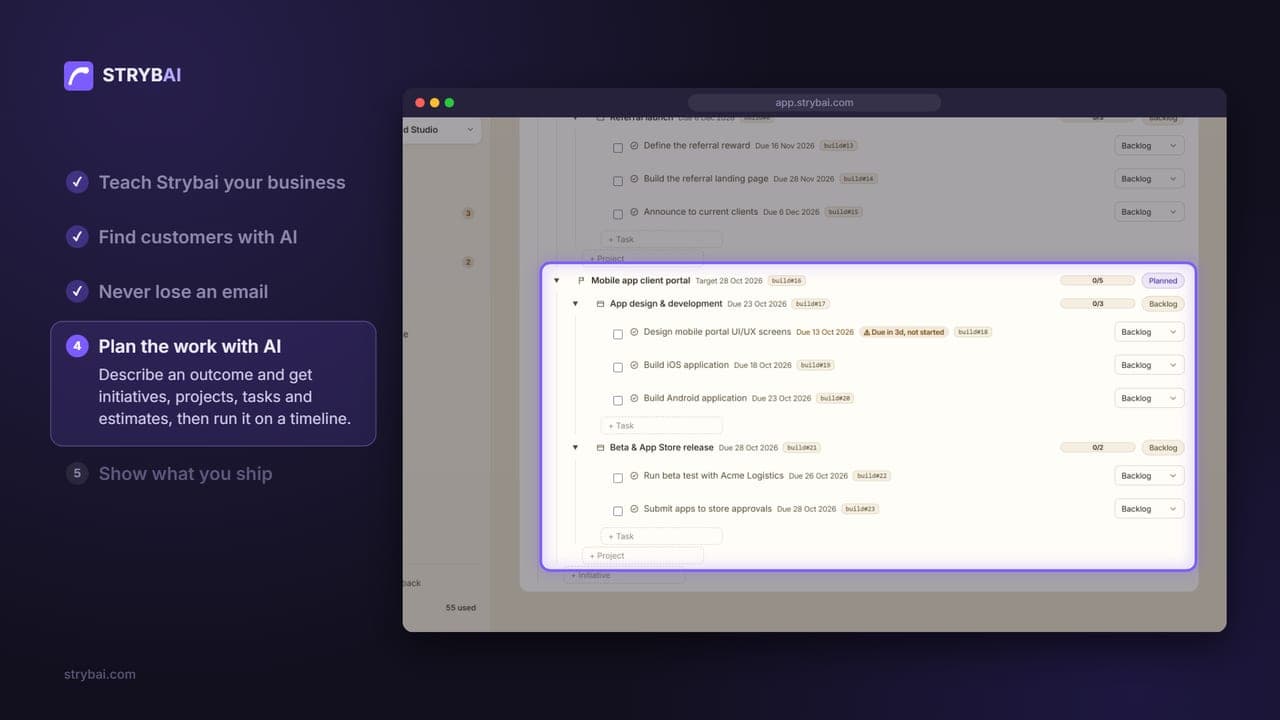
Which brings us to Build. Describe an outcome, and Plan with AI drafts the whole plan: initiatives, projects, tasks, even estimates. Check it, save it, and run it on a board or a timeline.
1:16 Show what you ship
And when you ship something, show it. Knowledge turns your wins into public articles and social posts, written for customers, search engines and AI assistants alike. Visitors can even ask your catalog a question, and get an answer from your own content.
1:33 Welcome to Strybai
Your customers, your inbox, your plans and your story, all in one place. Welcome to Strybai!